Genjutsu Restyle
Choose a visual style for your source video. Restyle its subjects and scene with optional character references, retaining source motion and audio.
Upload a 4–30 second source video and choose a visual style. Character images are optional (0–5). Source audio is retained; framing follows the source. Credits use a conservative budget: twice the source-resolution rate plus 100 credits per character image.
Generation is not available yet. Browse examples, prepare references and save your draft.
Genjutsu workflow presets
One performance. A different visual world.
Choose the look that transforms the whole video.
Keep the movement. Choose your visual world.
Start with a source video and choose a visual style. Characters and scenery take on the selected look while source motion, composition and audio guide the result. Character reference images are optional.
Generated on Genjutsu.tv with the official Restyle API. The original source footage and optional character reference are from a Higgsfield example.
From source footage to a new visual style
Source, references, direction and review belong in one workflow.
Start with a clear video
Choose a 4–30 second performance or shot. The source supplies the movement and framing.
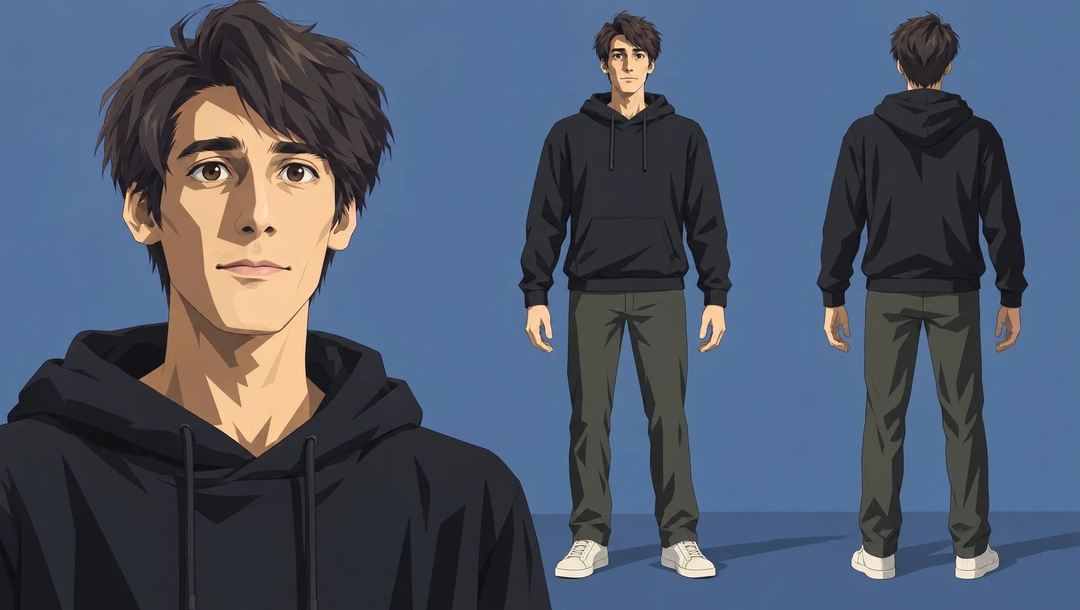
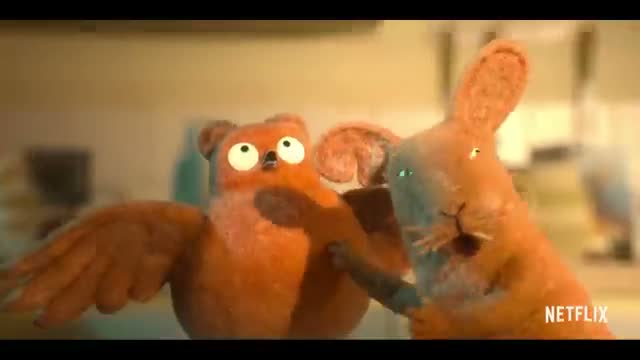
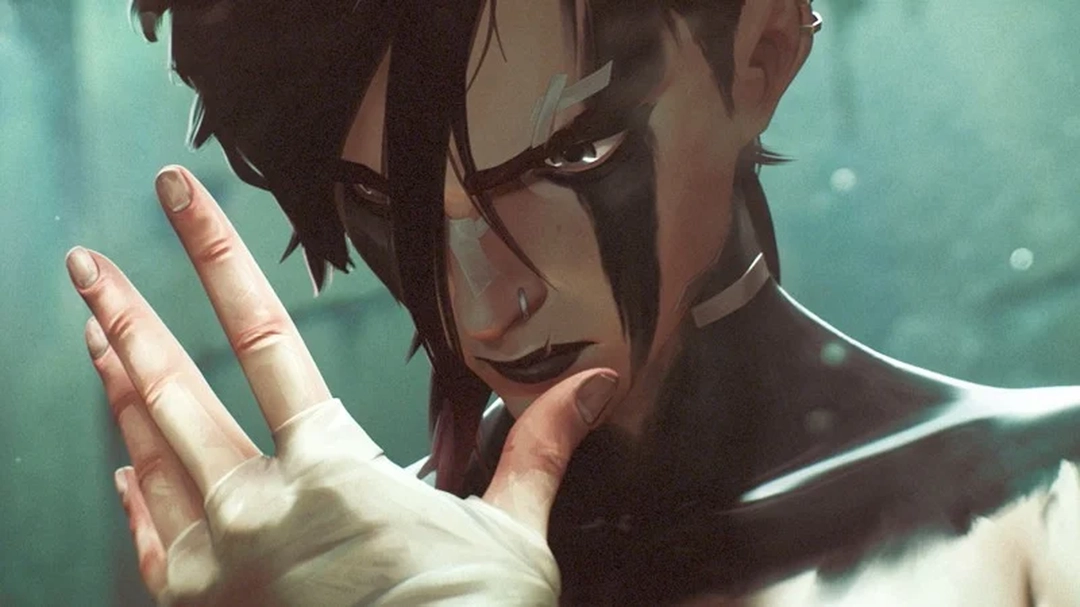
Choose a visual style
Select one available style by its name and preview. It directs the look of the whole video.
Keep or guide the character
No images are required. Optionally add up to five character photos and a short direction.
Quote, restyle, compare
Review the resolution and source-duration quote, then compare the generated video with your source.
One source, with its style and result in view
No prompt. The source and selected style guide this result; character references are optional.
Reusing inputs is free. Generation starts only after you submit in the studio.
See where the source can take you
Inspect real example inputs before loading them into your studio.
Let the walk enter an animated world
Cel-Shaded CG Anime · 1 source + 1 selected style + 0 images
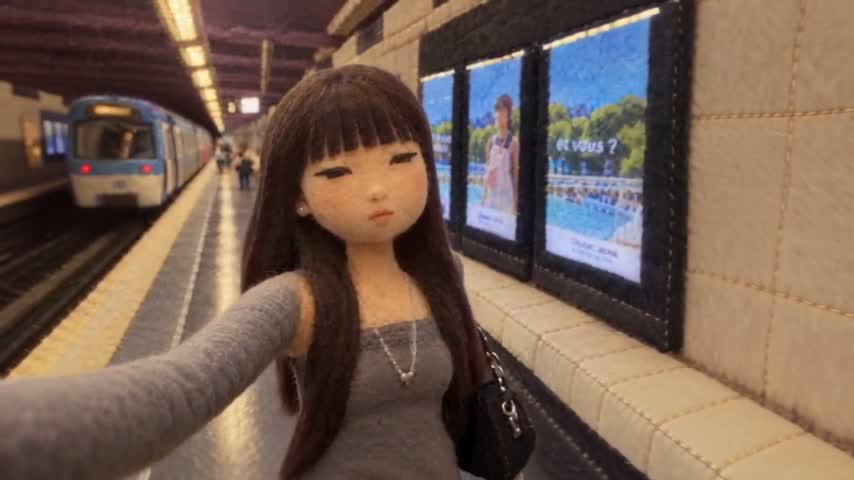
Give movement a tactile new texture
Felt Puppet Stop Motion · 1 source + 1 selected style + 0 images
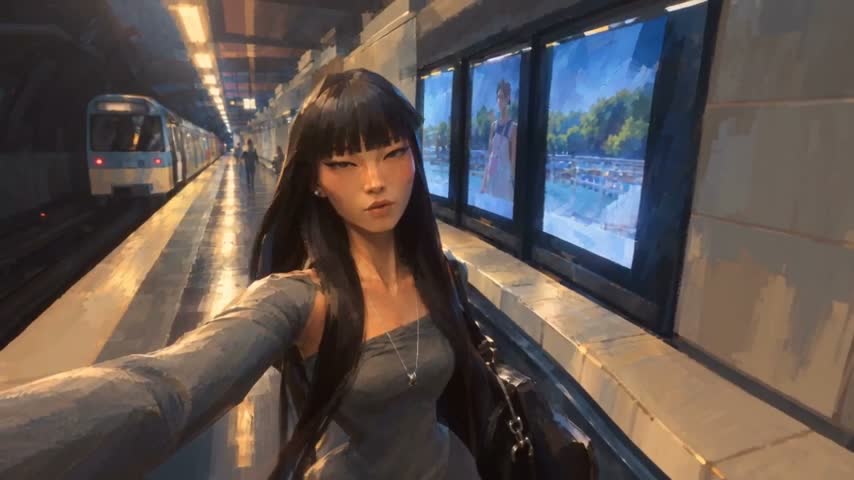
Paint the scene in a different light
Painterly Cinematic 3D · 1 source + 1 selected style + 0 images
Bring a character into your chosen style
Painterly Cinematic 3D + character reference · 1 source + 1 selected style + 1 images
Find more characters, outfits, scenes and product workflows in the library.
Explore the libraryA style for the world. A reference for the character.
The style picker sets the visual treatment for the subject and scene. Optional character photos guide appearance within that style; they do not create a custom style. Compare the reference-assisted example with the same source and inspect the face, movement and transitions.
Inspect the complete inputsSame source + Painterly Cinematic 3D + one character image. View the inputs above before reusing.
Burning Bridges AI workflow guides
Original guides to preparing inputs, inspecting examples and understanding your request.
Before you create
A few practical details about inputs, reuse and review.
A clearer start. A better next step.
Need help with your workflow? hi@burningbridges.ai ↗
01Do I need reference images?
No. One source video and one available visual style are enough. Add 0–5 character images only when you want to guide character appearance.
02Can I upload my own style?
This workspace uses the system styles available through the public API. Character photos and prompt text guide the result, but do not create or replace a style preset.
03What does Use This Prompt load?
The source, selected style, optional character photos and prompt load together into Restyle. An example with no references clears old references. Reuse does not submit a generation.
04What happens to motion and sound?
Source motion, shot composition and existing audio guide the result. Animation cadence can change with the selected style, so review the whole clip; exact frame counts are not guaranteed.
05How are credits calculated?
Restyle uses a conservative budget: round prepared source duration up to whole seconds (up to 30), multiply by the selected resolution rate and by two, then add 100 credits per character image. This is our budget estimate, not an exact provider cost or guaranteed ceiling. Successful jobs settle the displayed quote; failed or successfully canceled jobs receive a full refund.
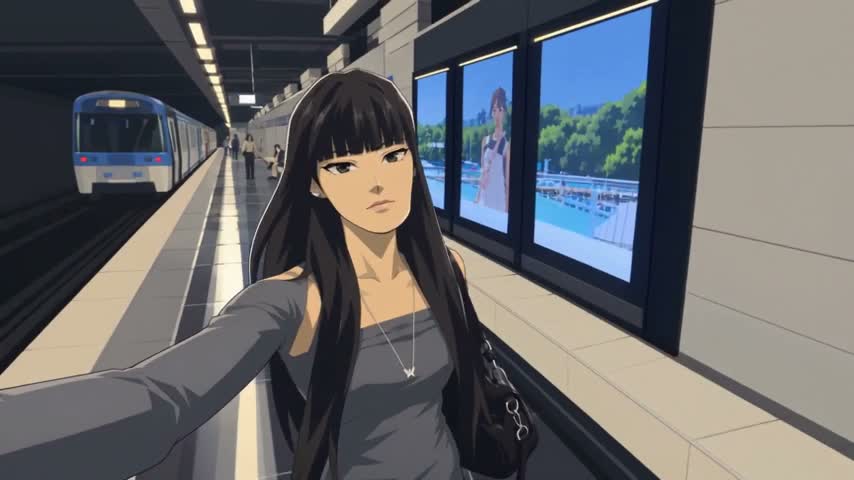
Your video. A whole new visual language.
Start from a complete example, or bring your own source and references.
Open the studio