Choose your source
Pick a clear action or camera move. Select a 4–30 second segment on its video card.
Annual billing Burning Bridges AI annual plans cost about 50% less than 12 monthly payments
Keep the motion. Transform the character, outfit and world.
Upload a source video of at least 4 seconds and 1–8 reference images. Source motion guides a new performance. Use Select segment on the video card to choose 4–30 seconds; otherwise the first 30 seconds are used.
Generation is not available yet. Browse examples, prepare references and save your draft.
Examples
1 / 8One performance. New possibilities.
Keep the movement that makes a shot work. Give it a new identity.
A dance, a walk, a product shot. Start with a video you like, add the people, looks or places you want, and direct a new version with Burning Bridges AI.
Reimagine the cast and environment using the source movement and camera as a guide.
Target a character, outfit or product while guiding the rest of the scene to stay consistent.
Choose a visual style for the whole video. Character reference images are optional.
From source to your next version
Four steps. One complete creative workflow.
Pick a clear action or camera move. Select a 4–30 second segment on its video card.
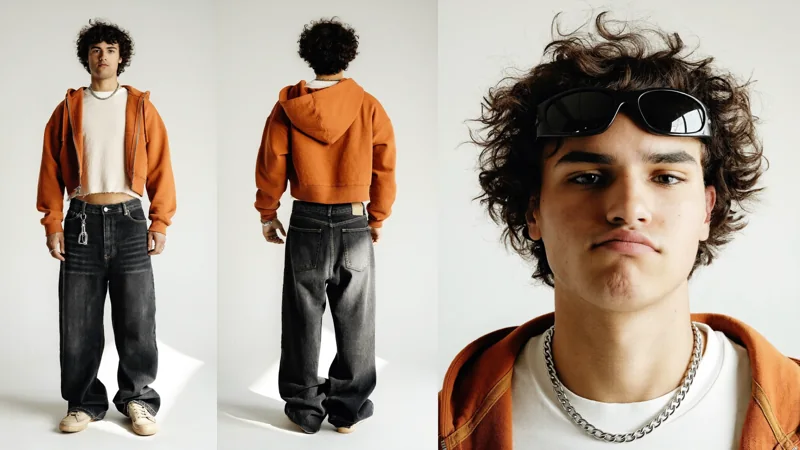
Upload 1–8 images. Keep them in order so each subject has a clear reference.
Choose a mode. Add optional instructions to connect each image with its role.
Choose resolution, review the credit quote, then compare the new result with your source.
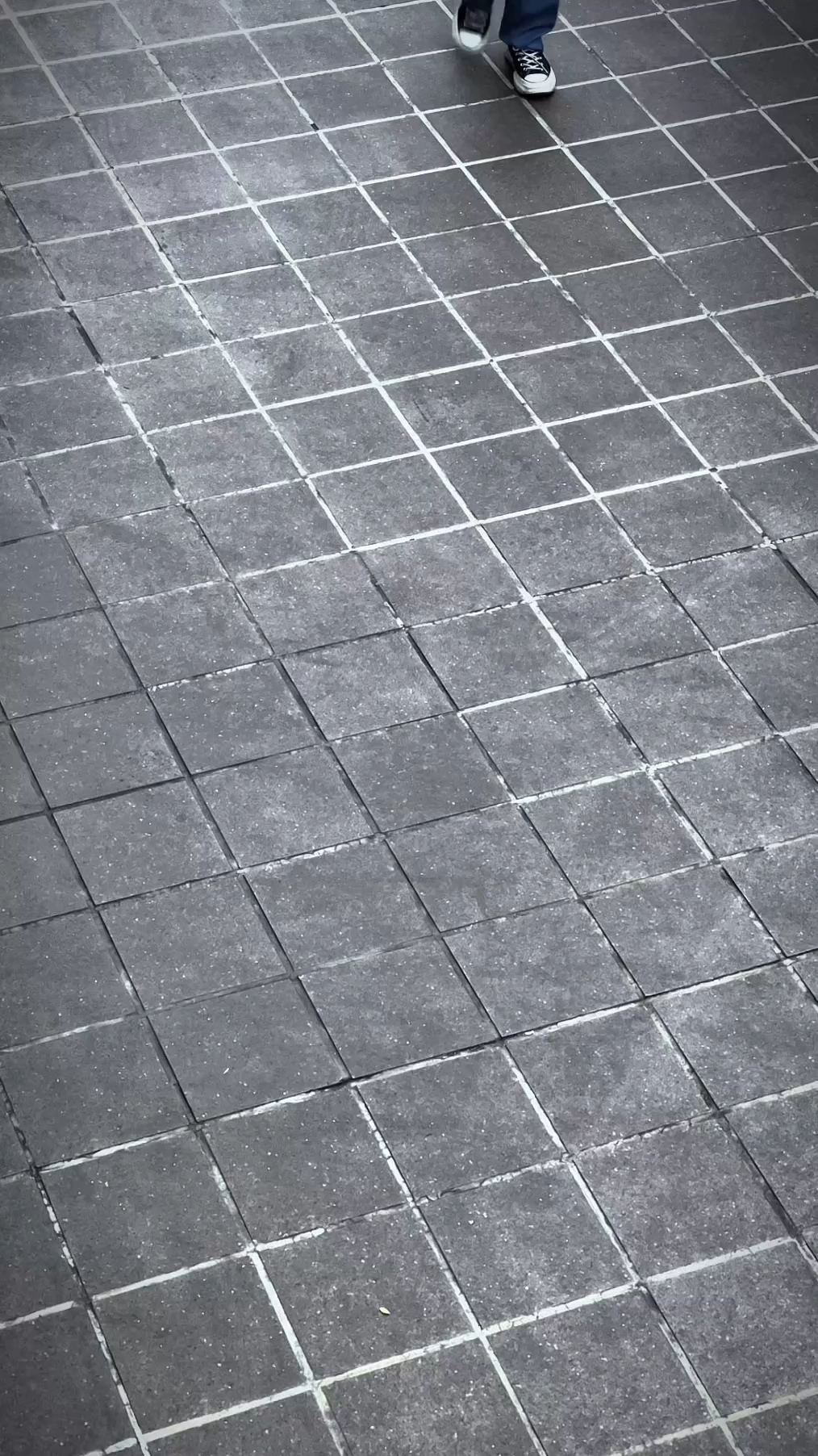
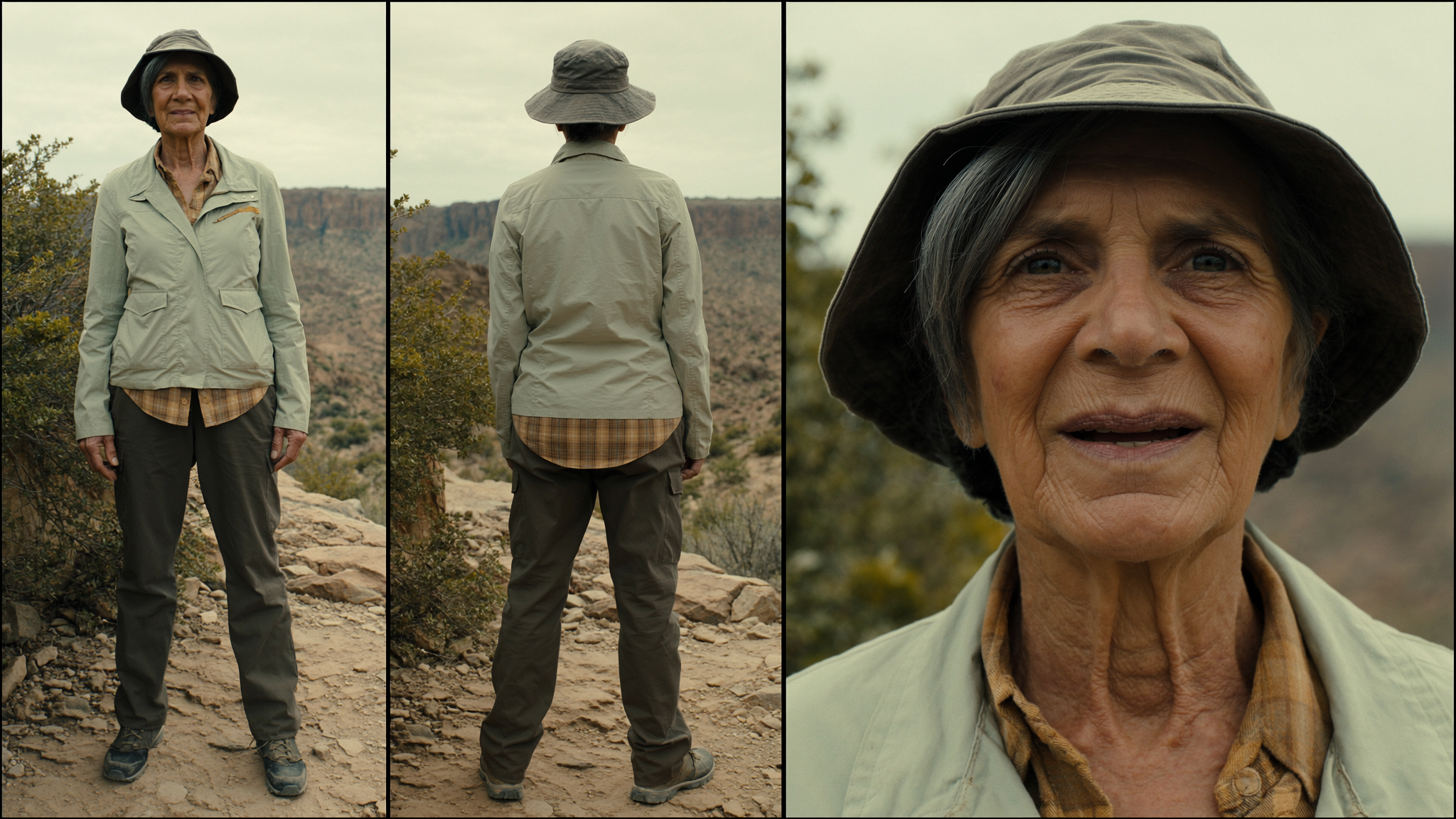
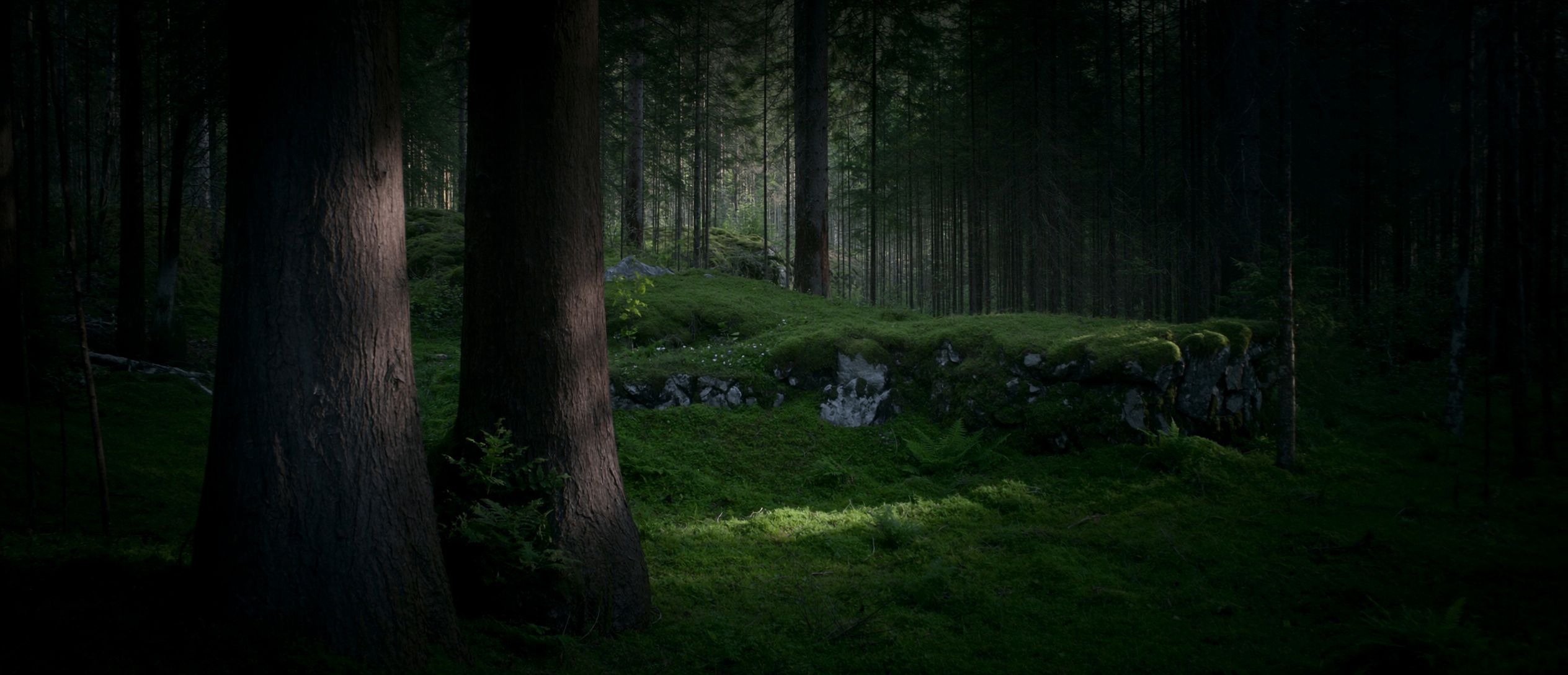
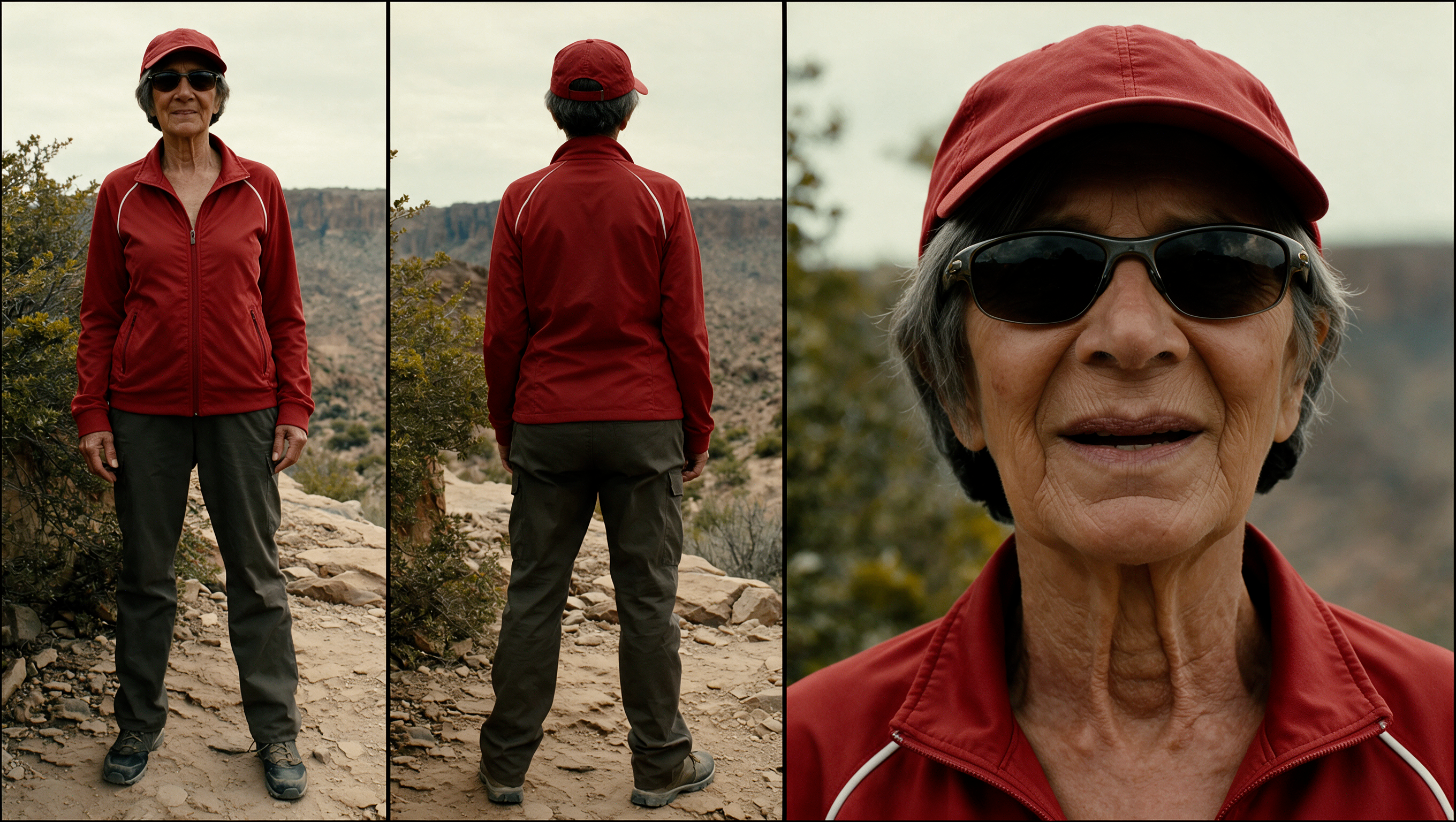
Swap a location and the character Image 2 - location Image 1 - actor Image 3 - second look
Reusing inputs is free. Generation starts only when you submit in the studio.
See what changes. See what guides it.
Compare performances, isolate a change, and explore another direction.
The source provides the timing and camera movement. Your references guide a different identity and world. Slide across the same moment to see the relationship.
Explore Motion TransferFocus the change on a selected subject, outfit or product. Compare the surrounding scene as well as the replacement when reviewing a result.
Explore Object SwapGive each reference a job. Separate identity, styling and setting so your instructions can explain how they belong in the final scene.
Use a performance as a starting point for different visual directions. Review one result, adjust your references, and create the next. Each new generation has its own credit quote.
Demonstrations and featured examples: Higgsfield. Reference results, not generations made on burningbridges.ai. View source ↗
Find your next starting point
Six different directions. Complete inputs you can inspect and reuse.
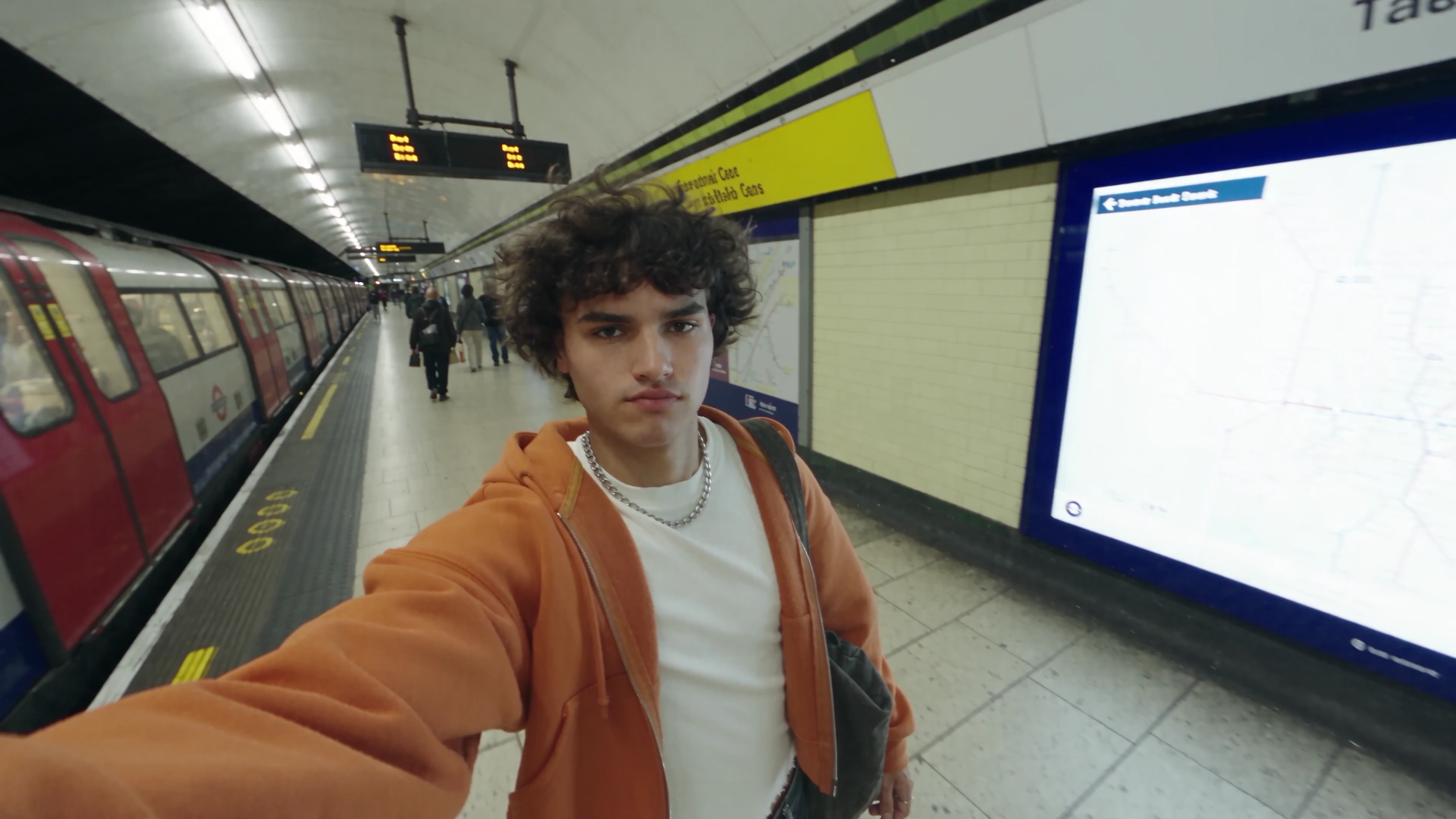
Selfie Walk · 1 source + 1 images
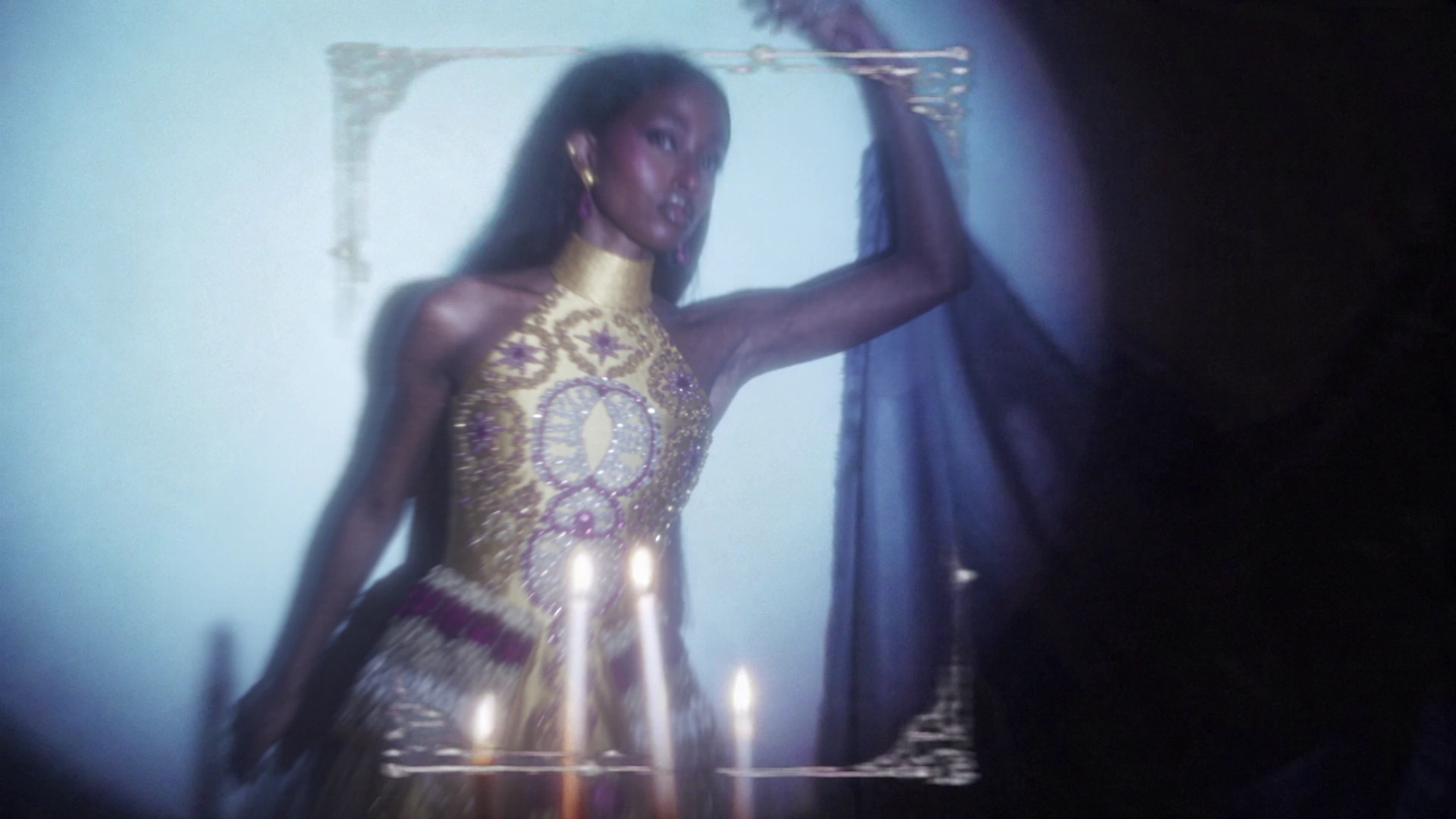
Golden Gown · 1 source + 1 images
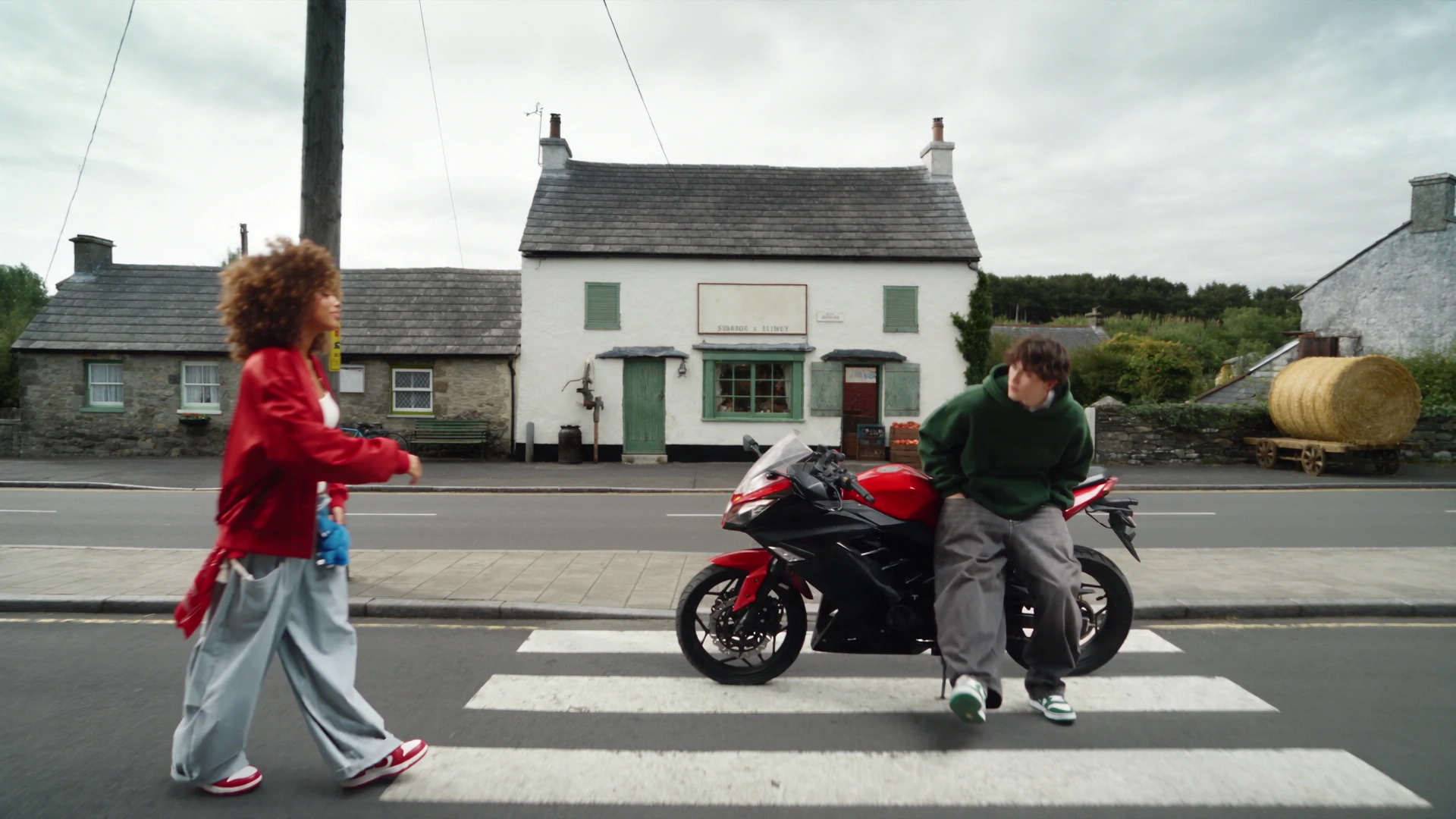
Countryside Duo · 1 source + 3 images
Handbag Slide · 1 source + 2 images
Couple Recast · 1 source + 2 images
Umbrella Transformation · 1 source + 3 images
More characters, looks, locations and product ideas await in the library.
Explore the preset libraryOriginal guides to preparing inputs, inspecting examples and understanding your request.
Cancel anytime
0.025 / credit
Billed $ yearly179· Save $179.8
0.017 / credit
Billed $ yearly299· Save $299.8
0.014 / credit
Billed $ yearly599· Save $599.8
0.012 / credit
Billed $ yearly1,199· Save $1,199.8



















A few things before you create
Inputs, modes, examples and credits, explained.
Use Motion Transfer to reinterpret a performance with new characters and environments. Use Object Swap to target a character, outfit or product inside the original shot. Use Restyle to give the whole video a selected visual style, with optional character images. Start with a similar example.
Motion Transfer and Object Swap need one source video and 1–8 reference images. Restyle needs one video, one selected style and 0–5 optional character images. Choose a 4–30 second source segment; otherwise at most the first 30 seconds are used. Duration and framing follow the prepared source. Object Swap requires at least 409,600 pixels per source frame.
All three models accept an empty prompt. For precise changes, describe what should change and which ordered image supplies each character, outfit, product or setting. The limit is 10,000 characters.
The source video, ordered images, prompt, model and selected style (for Restyle) load into the studio. Compatible current settings are preserved. Reusing inputs does not generate or charge anything; check the quote and submit when you are ready. Some library originals exceed the public API limits and remain reference-only.
Motion Transfer and Object Swap use whole source seconds and the selected resolution rate. Restyle uses a conservative budget: twice that rate plus 100 credits per character image. Review the displayed quote before submitting; successful jobs settle that quote and failed or successfully canceled jobs are refunded.
burningbridges.ai is an independent studio connected to the official Genjutsu API. The demonstrations and featured examples on this page are sourced from Higgsfield; they are reference examples, not results generated on burningbridges.ai.
Bring the movement. Choose what changes. Make your next version.
Open Burning Bridges AI Studio ↑