Genjutsu Motion Transfer
Use the source performance and camera movement to guide a new version with your character, outfit and scene references.
Upload a source video of at least 4 seconds and 1–8 reference images. Source motion guides a new performance. Use Select segment on the video card to choose 4–30 seconds; otherwise the first 30 seconds are used.
Generation is not available yet. Browse examples, prepare references and save your draft.
Genjutsu workflow presets
Motion is your starting point
Direct a different performance with a movement you already love.
Keep the rhythm. Reimagine the world.
Start with a walk, dance or camera move. The source guides the timing and movement; your images guide the new people, styling and setting. Compare the same moment to see the connection.
Demonstrations and featured examples: Higgsfield. Reference results, not generations made on Genjutsu.tv.
A new performance from the same motion
Source, references, direction and review belong in one workflow.
Choose a visible performance
Choose a clear 4–30 second walk, dance or camera move. Watch the original movement before adding references.
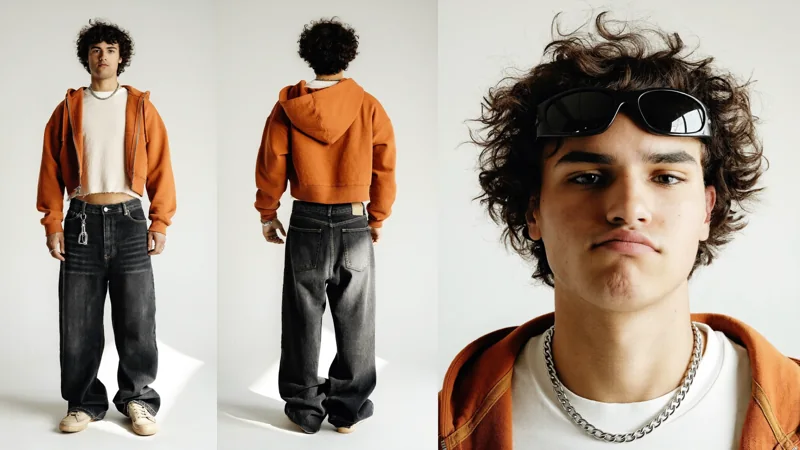
Give the movement a new character
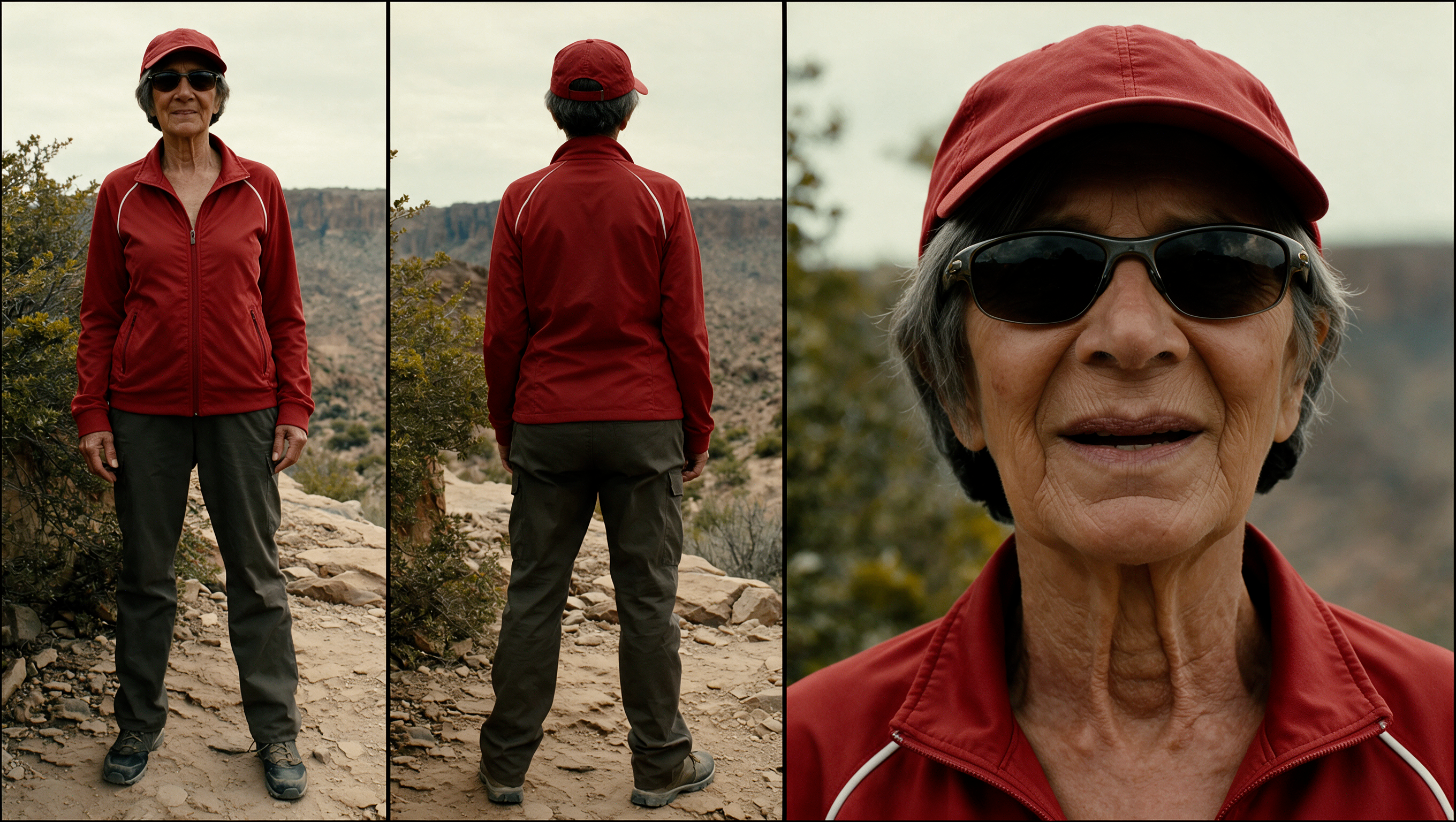
Upload 1–8 reference images. Start with one new character; add setting or outfit references when needed.
Direct the new version
Connect each image with its role. Instructions are optional; references still guide the result.
Quote, create, compare
Choose 480p, 720p or 1080p, review the credit quote, then inspect the result.
A performance, with its inputs in view
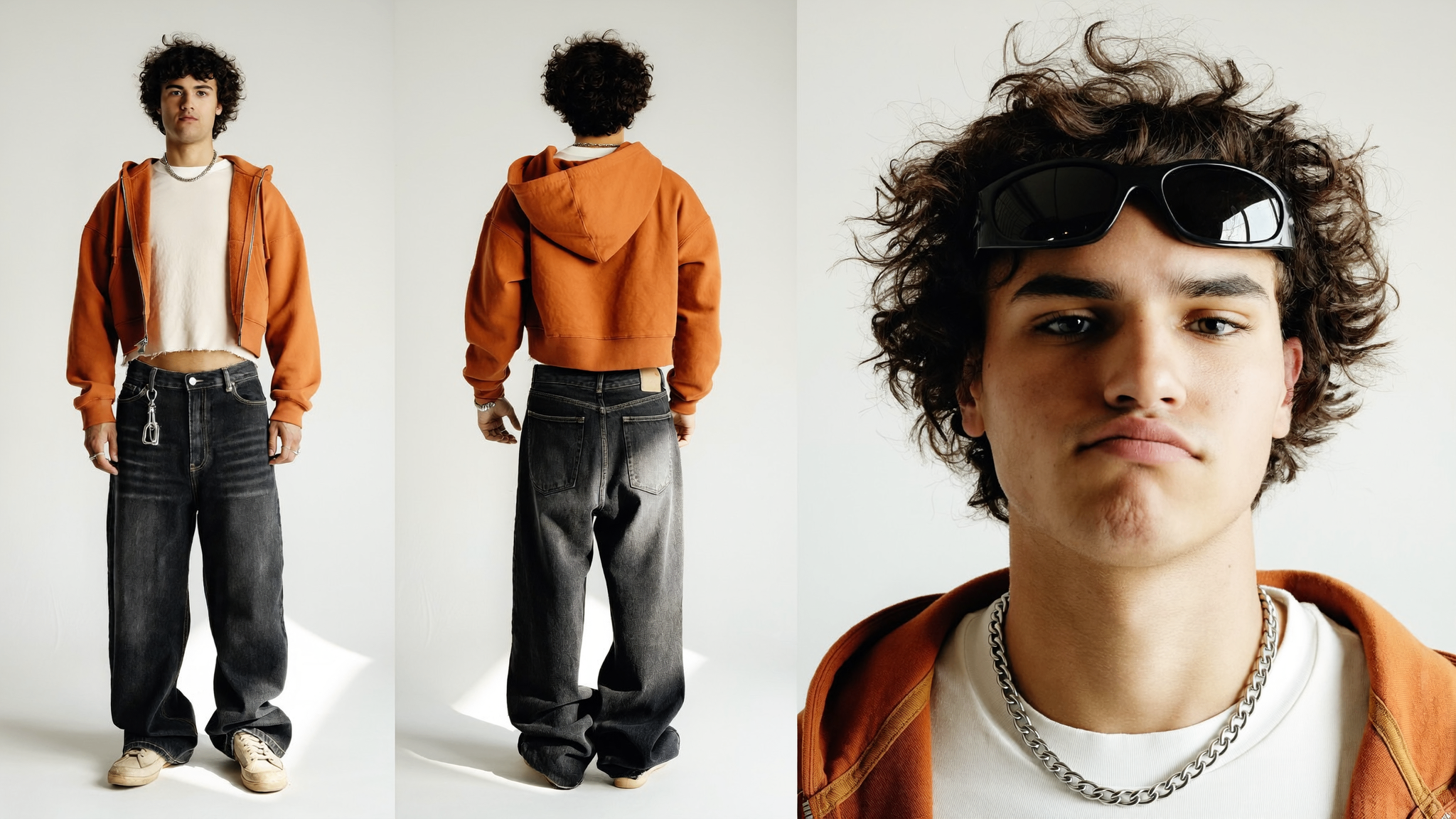
Replace the video's main character
Reusing inputs is free. Generation starts only after you submit in the studio.
See where the source can take you
Inspect real example inputs before loading them into your studio.
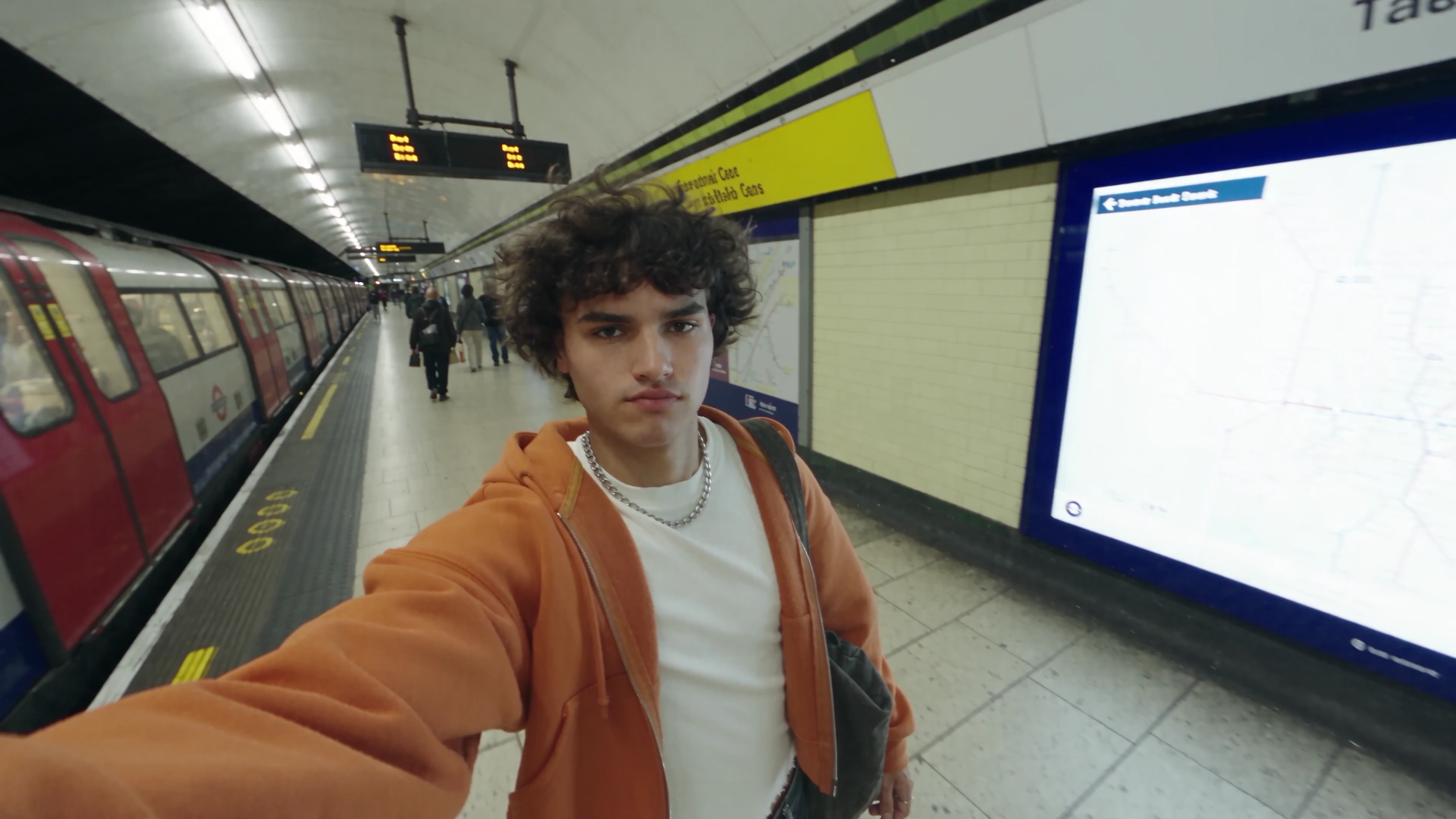
A new face for the same walk
Selfie Walk · 1 source + 1 images
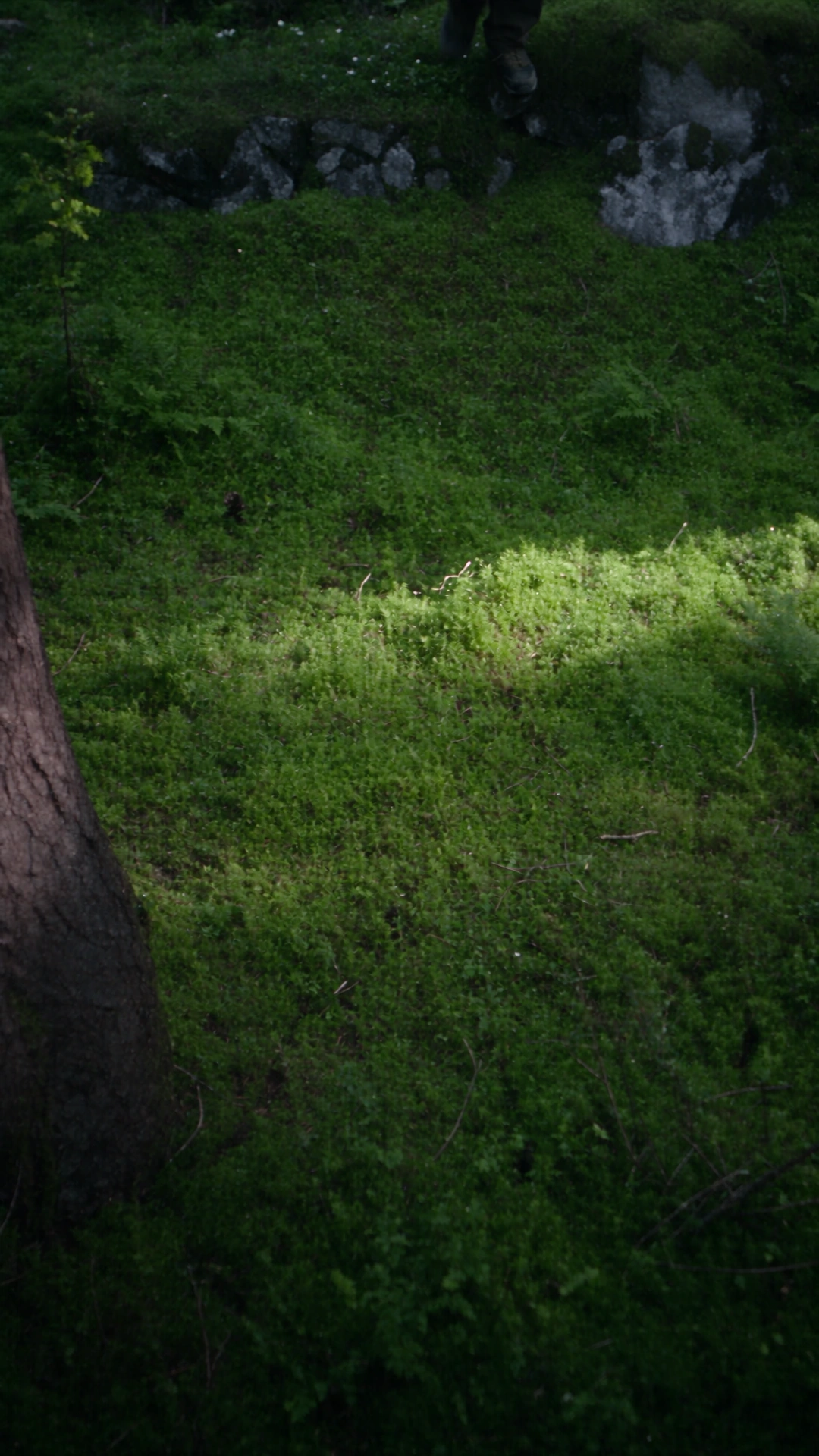
Turn one routine into another world
Umbrella Transformation · 1 source + 3 images
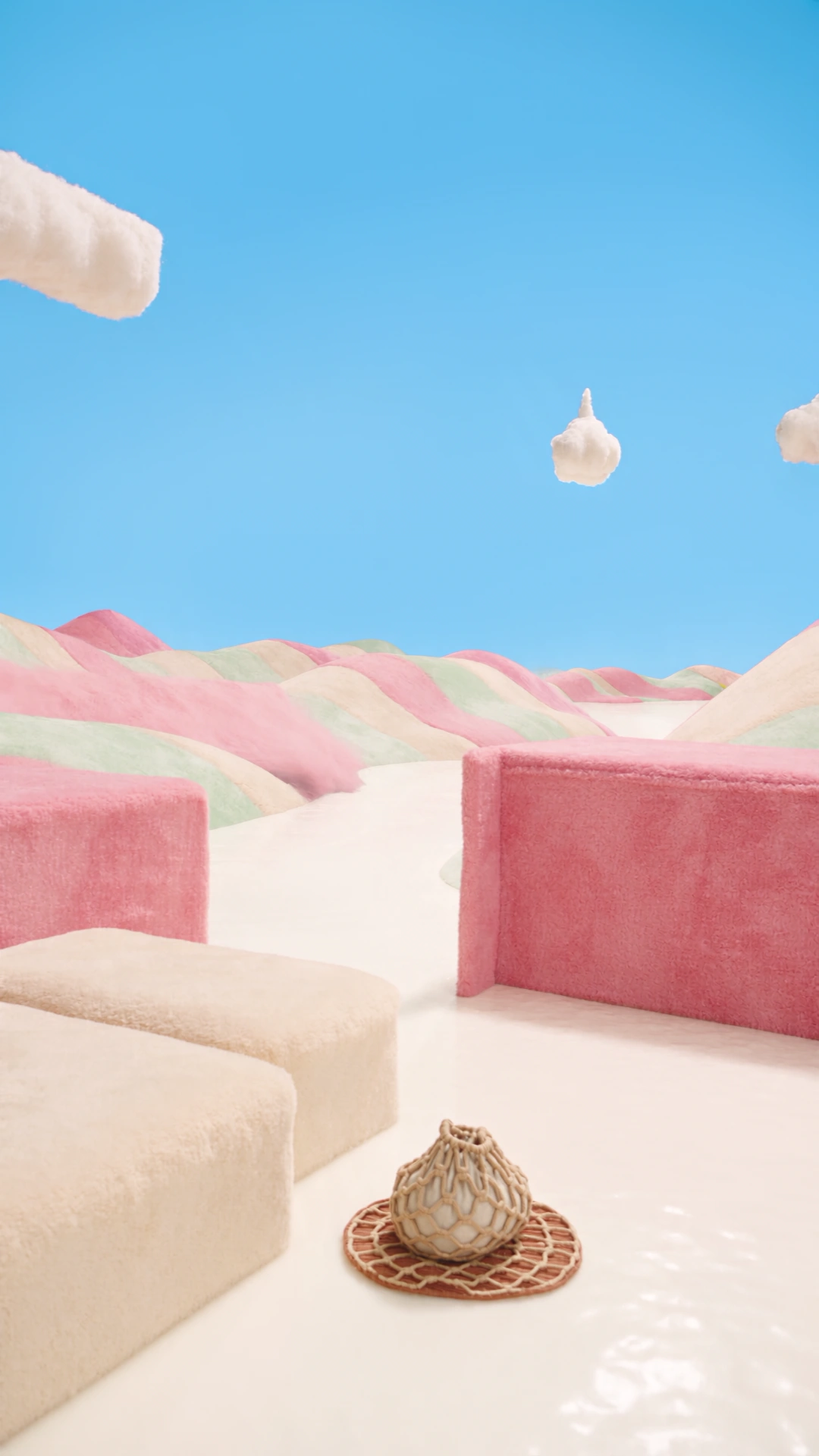
Give the product a new direction
Handbag Slide · 1 source + 2 images
Find more characters, outfits, scenes and product workflows in the library.
Explore the libraryGive every reference a creative role.
Identity, outfit and place can point the performance in different directions. Keep your images ordered and explain how they fit together. Review timing, body movement and camera continuity across the whole clip.
Read the workflow guide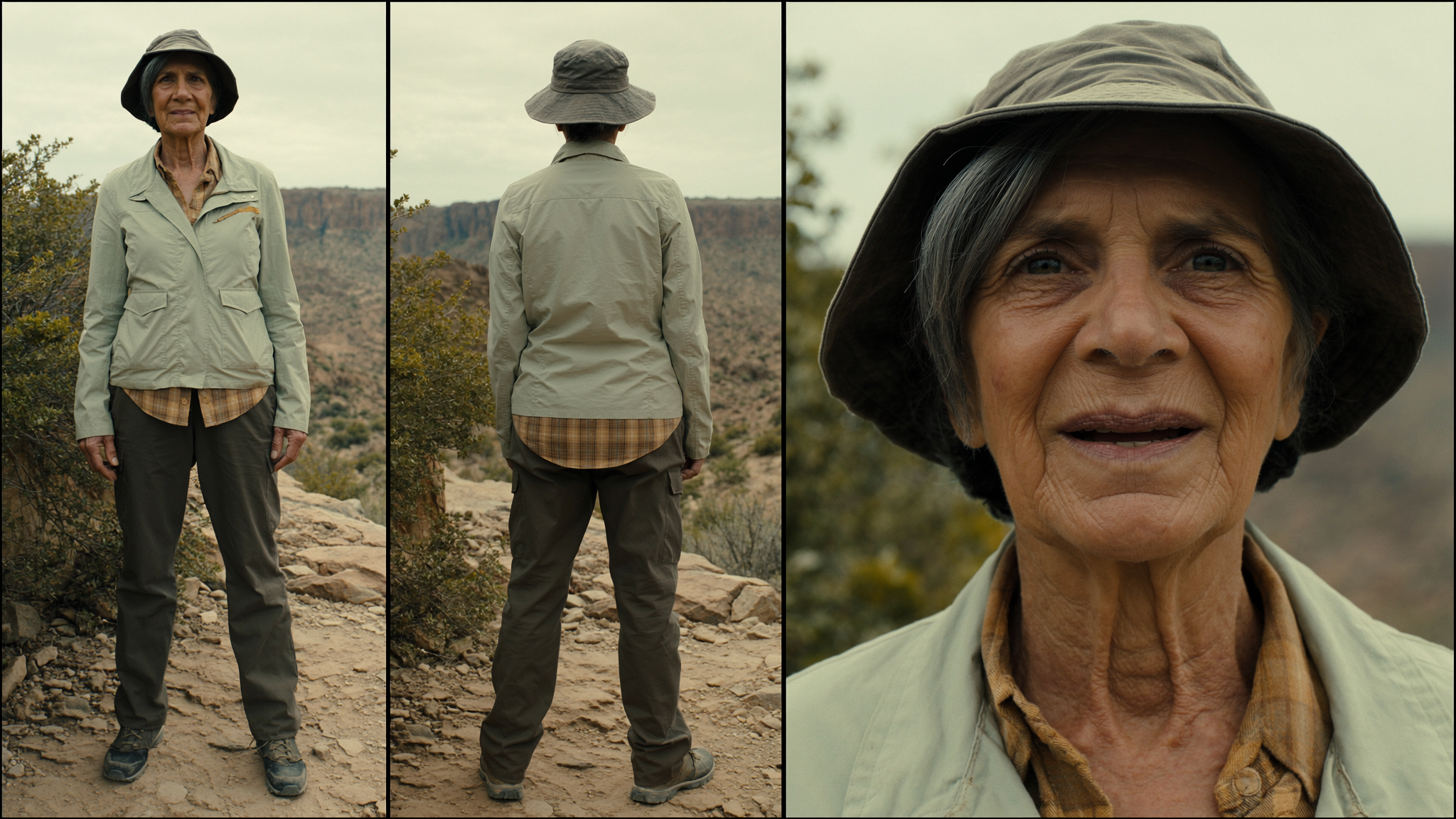
Burning Bridges AI workflow guides
Original guides to preparing inputs, inspecting examples and understanding your request.
Before you create
A few practical details about inputs, reuse and review.
A clearer start. A better next step.
Need help with your workflow? hi@burningbridges.ai ↗
01What should I prepare?
Motion Transfer and Object Swap use one source video and 1–8 reference images. Restyle uses one video, one style and 0–5 optional character images. Choose a 4–30 second segment; otherwise at most the first 30 seconds are used. Duration and framing follow the prepared source.
02Do I have to write a prompt?
Both modes accept an empty prompt. For a more specific change, describe the target and the role of each ordered image. An example with no prompt loads an empty prompt, together with its original inputs.
03What does Use This Prompt load?
The complete source video, ordered reference images, prompt and matching mode. Compatible current settings are preserved. Loading inputs does not start generation or charge credits; review your draft and submit separately.
04What should I inspect in the result?
Compare timing, body movement, identity and camera continuity. For Object Swap examples, also inspect target edges, overlaps and the surrounding scene. References guide a result rather than guarantee an exact copy.
05How do I check the cost?
The prepared source duration is rounded up to whole seconds and priced at the selected resolution. Review the studio credit quote before submitting. Each new generation is quoted and settled separately.
Your motion. Your next version.
Start from a complete example, or bring your own source and references.
Open the studio